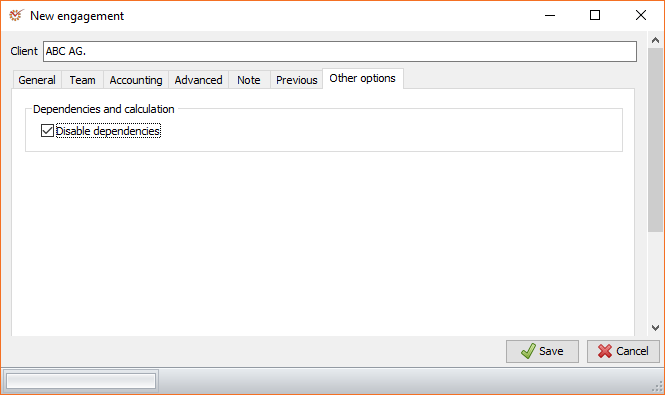
Dependencies can be disabled through the Create an Audit
Engagement and Edit Engagement
windows.
-
Open the Other options tab.
-
Mark the Disable dependencies option. The program will deactivate
automatic dependencies concerning the activity/visibility of sections
and working papers, depending on the audit
engagement's parameters, materiality and identified
risks. -
Click
 Save.