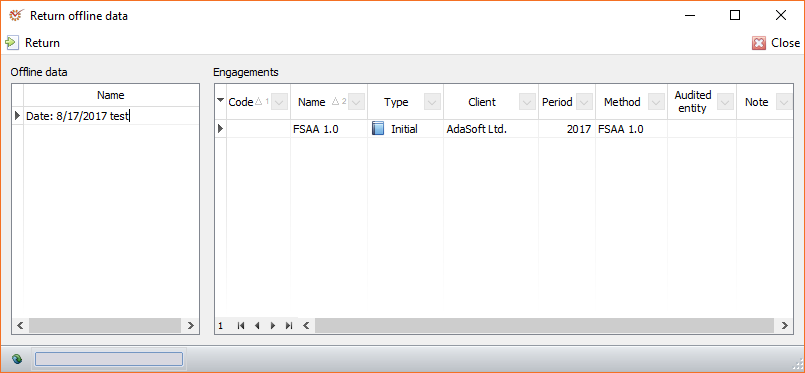
- Mark the offline data that you wish to return and click the
 Return button.
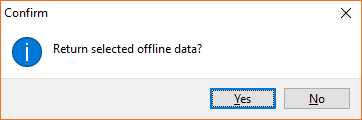
- The program will ask you to confirm the return offline data
operation. Click Yes.
Note
If you haven't restarted immediately (step 7 in the return data
preparation), when logging in, the
program will inform you that there is offline data prepared for return.
If you choose to return the data, open the Home tab and click the
 Return button.