AuditDesktop uses Relational Database Management System (RDBMS)
Firebird version 2.5. In order to use the system, you must have at
least one created database connection.
You can access the window with the list of database connections in two
ways:
- Before logging in the program: From the Login
window → Click
the button
- After logging in: From the Application menu → Click
Databases
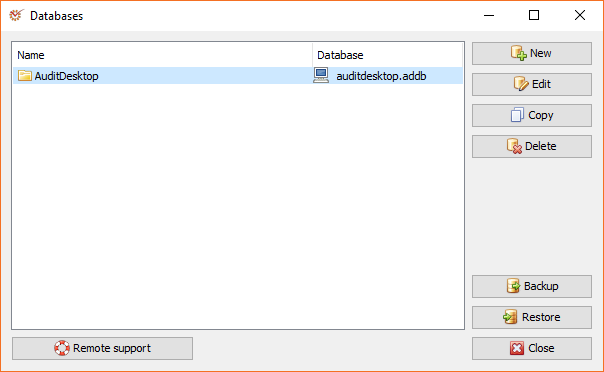
You can manage the list of databases through the following buttons:
 New - create
a new database connection setting Edit - edit
the access settings to the selected
database Copy - make a
copy of the selected database connection Delete -
delete the access settings to the database Backup - open
the window for database backup creation Restore -
opens the window for database restoration
Tip
This window also allows you to quickly access the Remote support
module. To launch the module, click the
 Remote support button.