Change Language
When launched, the program will use the language set as the operating
system language, as long as it is supported.
If you want to change the
language, perform the steps:
- Open the Application menu and click Languages.
-
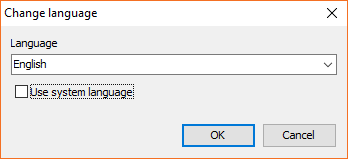
Unmark the Use system language option.
-
Select your preferred language from the drop-down menu of the
Language field. -
Click OK.