The program enables you to unlock an already completed and locked audit
engagement. Note that this can be done only by the engagement's Team
leader.
To unlock an engagement, follow the steps:
-
Open the Home tab and click the
All
button. -
From the list of engagements, mark the engagement that you want to
unlock. -
Click the
 Unlock button.
-
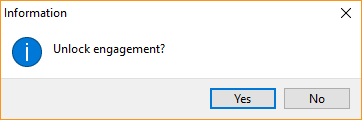
The program will ask you to confirm that you want to unlock the
engagement. Click Yes.