AuditDesktop allows you to check for available program updates. To do
so:
-
Open the Application menu and click the
 Check for update
button. -
In the window that opens, click
****Check for
update.
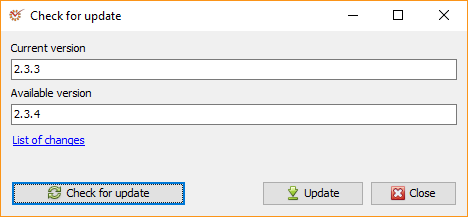
- If there is an available update, it will be displayed in the
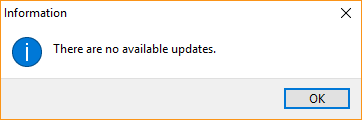
Available version field. - If there is no available update, the following message will appear:
-
To see the changes made in the version, open the List of changes
link. If your subscription does not allow for an update to the newest
program version, you can select the version that is accessible to you in
the Accessible version (depending on your subscription) field. -
Click
 Update.
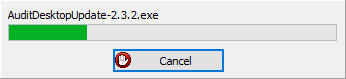
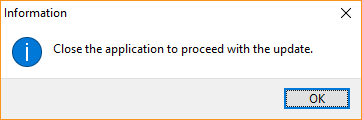
- The program will prompt you to close the application so as to proceed
with the update process. Click OK.
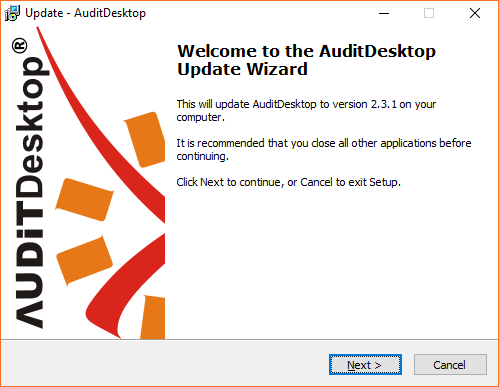
- The Update Wizard window will appear. Click Next and follow
the Update Wizard's steps as described in the Updatepage.