You can change your own user password at all times, but only the
administator has rights to change the other system users' passwords.
To change your password, follow the steps:
-
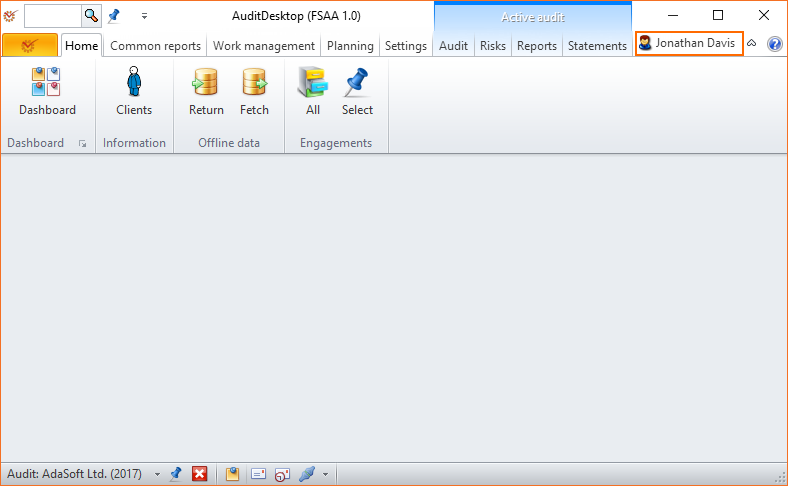
Open the program's main screen.
-
Click the Username button located at the upper right corner of
the screen (marked in red).
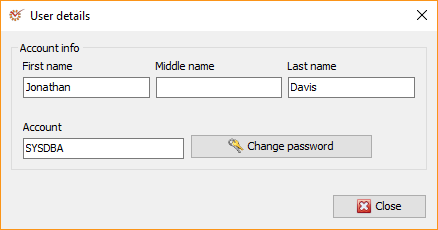
- In the User details window, click Change password.
- Enter your current and new password. Re-enter the new password to
confirm it.
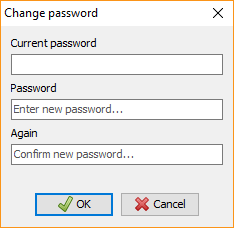
- Click
 OK.