Note
Method export can be performed in two ways, depending on
whether you want to export an audit method from the Libraryor
the method of a specific audit. The function's availability depends on
your license.
Export a Method from the Library
To export an audit method from the Library, follow the steps:
-
Open the Settings tab and click the Library button.
-
Select the desired method.
-
Click
 Edit.
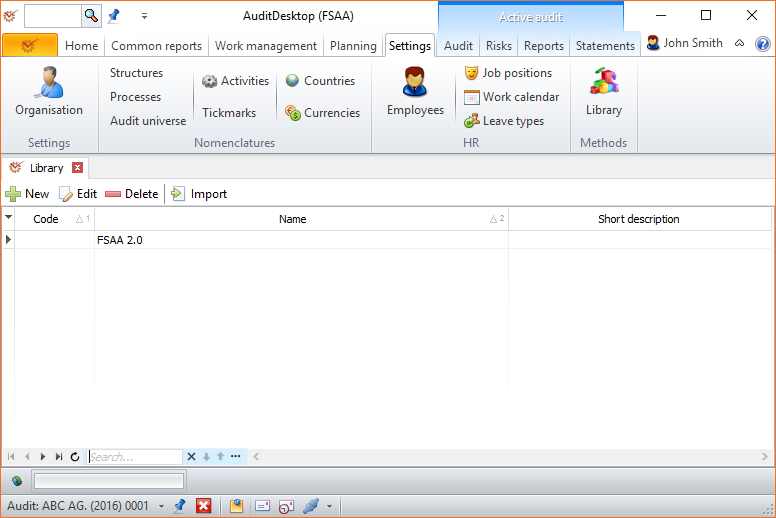
- Open the Sections tab, select the method's main section and click
 Export.
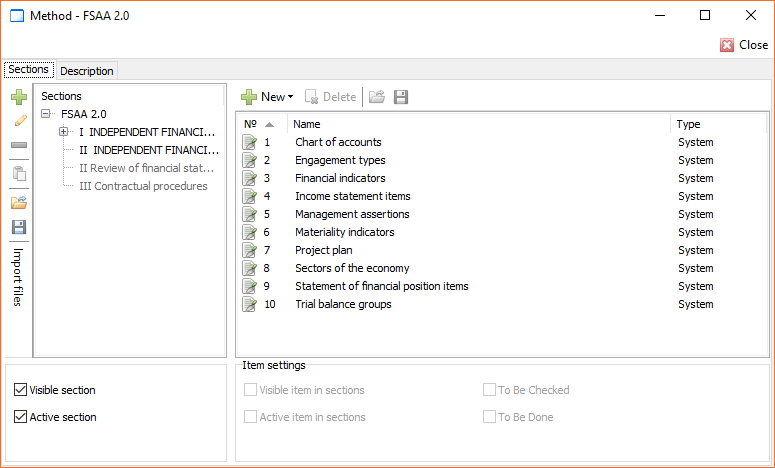
- Choose where you want to save the method on your computer. Methods
are saved as files with .ecm extension. Click Save.
Export an Audit Method
To export the method of a specific audit engagement, follow the steps:
-
Open the audit engagement.
-
Open the Audit tab and click Audit approach.
-
Open the Sections tab and select the method's main section.
-
Click the
Export button. -
Choose where you want to save the method on your computer. Methods
are saved as files with .ecm extension. Click Save.