AuditDesktop allows you to export elements. You can export working
papers or whole method sections that contain multiple working papers.
This facilitates the methodologist's task and assists work on current
audit engagements. Note that the export functionality depends on your
license.
Export an Audit Method
To export the method of a specific audit, follow the steps:
-
Select the audit engagement and open the Audit tab.
-
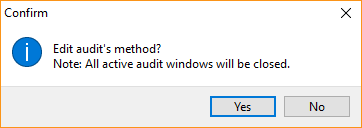
Click the Audit approach button. In the confirmation window,
click Yes.
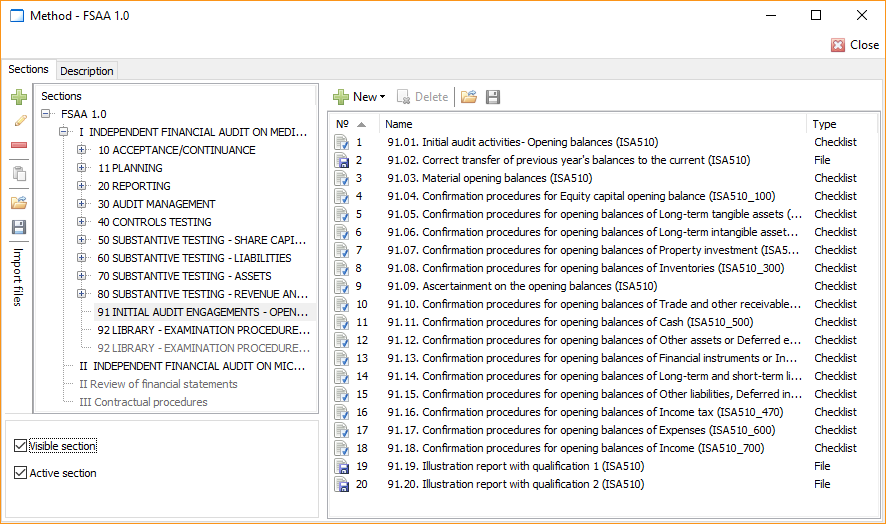
- Open the Sections tab and choose one of the following:
- Export a section - mark the section and click
 Export, or right click on
the section and select
Export from the context
menu. - Export a working paper - mark the working paper and click
Export, or right click on
the working paper and select
Export from the context
menu.
Note
If you mark the main section, you will export the entire method.
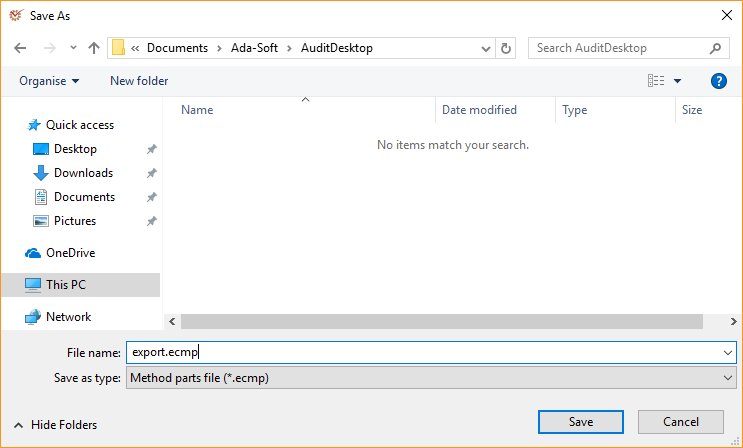
- Depending on your choice in Step 3, the file will be in .ecms
(section) or .ecmp (working paper) format. Click Save.
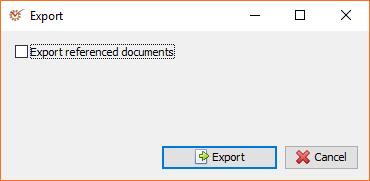
- If you don't want to export referenced documents, unmark the Export
referenced documents option. Click
 Export.
Export a Method from the Library
To export a method from the Library, follow the steps:
-
Open the Settings tab and click Library.
-
Select the desired method.
-
Click the
 Edit button, and
continue with Steps 3–5 as descibed above.