To create a new empty database, follow the steps:
- Open the Databases window and click
 New.
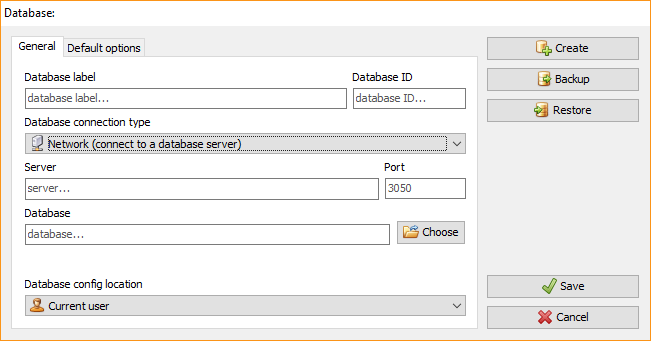
1.1. Enter the database name in the Database label field. If you
wish, you can enter the Database ID (optional).
1.2. Choose the Database connection type:
-
- Standalone - when working on your computer.
- Network - when connected to a database server. If you select
this option, two additional fields will appear - Server and
Port. Fill in their values too.
1.3. Enter the Database field manually or click Choose to select
the database.
1.4. Choose the Database config location.
-
Click the
Create button. -
Depending on the selected connection type, the confirmation window
can have two different views:
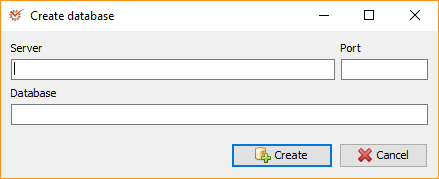
3.1. If the connection type is Network, the available fields will be
Server, Port, Database.
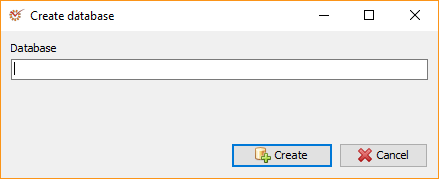
3.2. If the connection type is Standalone, the available field will
be Database (showing the database file location).
- Click the
****Create
button.