Here you can define the visualisation mode and settings when entering
data into Timesheets.
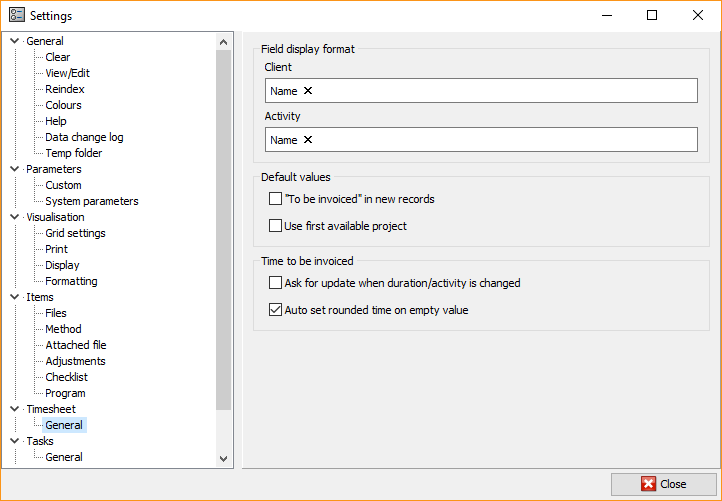
Field display format
- Client - select how the client will be visualised. Typically,
the program displays the client's name, but you can set name and
code. - Activity - select how the activity will be visualised
Default values
- "To be invoiced'' in new records - automatically marked to be
invoiced - Use first available project - when you select a client, the
program will automatically display the first available engagement
Time to be invoiced
- Ask for update when duration/activity is changed - mark whether
the column To bill will be updated when the values of
Duration and Activity parameters change - Auto set rounded time on empty value - mark whether value should
be automatically entered in the To bill column