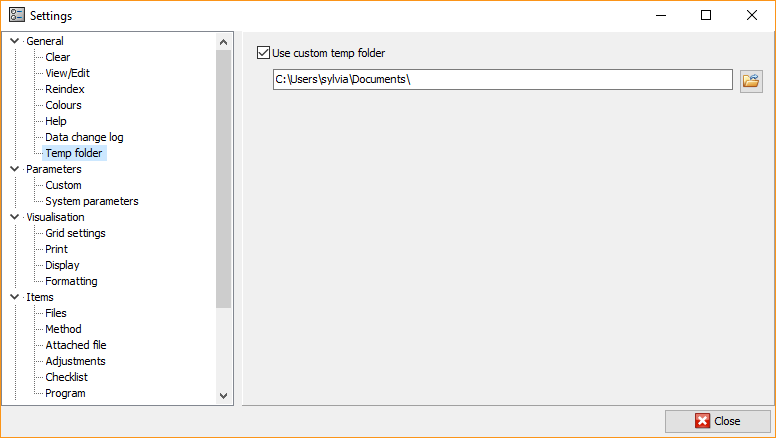
Here you can select a custom temporary folder which will be used for
opening working papers, etc. The temporary folder is a
solution to potential problems when opening MS Office and Excel working
papers of the File type in protected mode.
To do so:
-
Mark the Use custom temp folder option.
-
Click the
 button
to browse for a folder. -
Select the desired folder and click OK.
**
**
Info
Unlike the other settings, this setting is saved on the computer on
which the program is launched, and is valid for all installed
AuditDesktop versions.