Create a New Task
To access the window for creating a new task, perform the
steps:
-
Open the Work management tab and click Show tasks.
-
Click the
 New button.
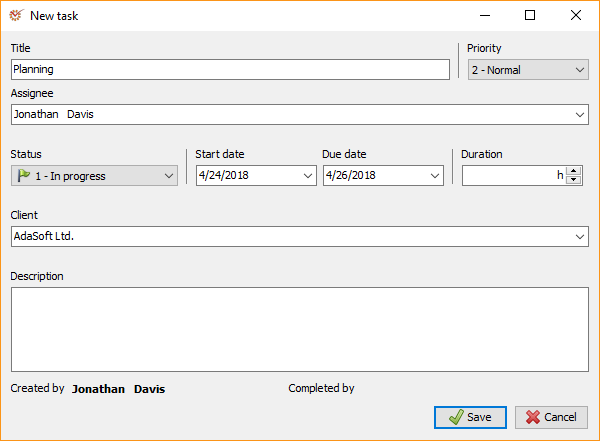
-
Fill in the name of the new task in the Title field (obligatory).
-
Fill in information about the task in terms of its Priority,
Assignee, Status, Client, etc. (optional). -
Add a description of the task in the Description field
(optional). -
Once you are ready, click
 Save.
Edit a Task
To access the window for editing a task, perform the steps:
-
Open the Work management tab.
-
Click Show tasks. The program will display all tasks created so
far. -
Select the task that you want to edit and click the
 Edit button.
**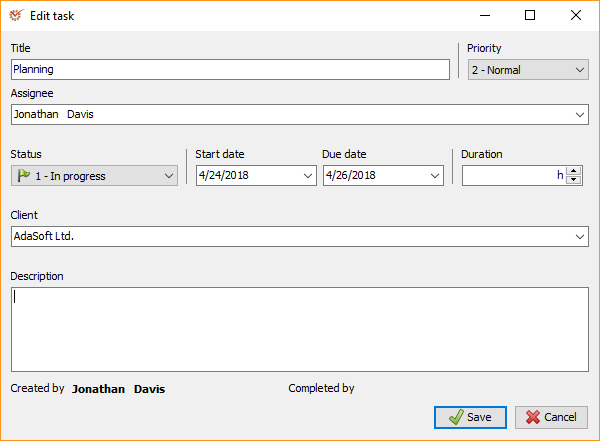
**
Note that a user can edit tasks when at least one of the following
conditions is fulfilled:
- The user has created the task
- The task was assigned to the user
- The task is part of the project plan and the user
has one of the following roles: Team leader, Manager,
Partner
- When you finish editing, click Save.