To open a client's context menu, make a right click on
the selected client.
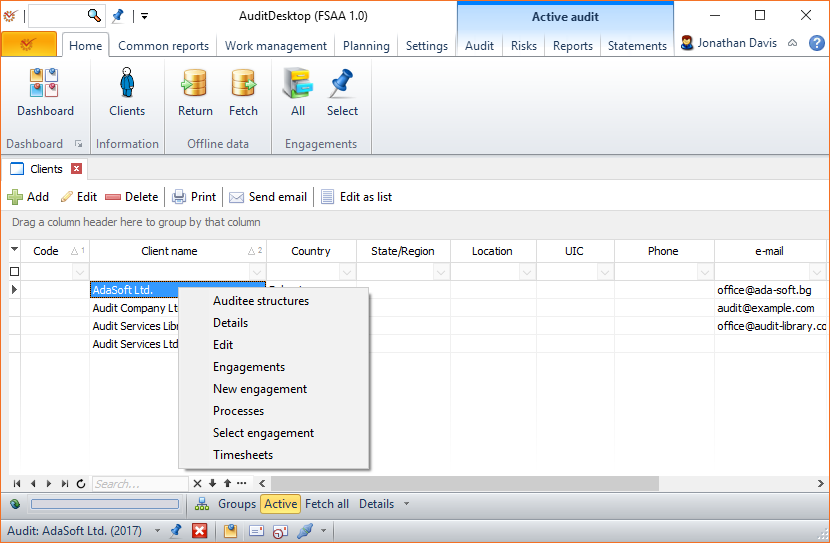
- Auditee structures - allows you to edit the client's auditee
structures - Details - opens a window showing information about the client
- Edit - allows you to edit the client's data
- Engagements - shows a list of all existing
engagements of the client. You can
edit and add new ones if you
wish. - New engagement - creates a new engagement
- Processes - allows you to edit the client's processes
- Select engagement - shows all engagements, allowing you to
select an active one - Timesheets - allows you to add a timesheet
Merging clients
The program enables you to merge duplicate client nomenclatures. This
option is available only to users with user
permission Base: Merge nomenclatures.
-
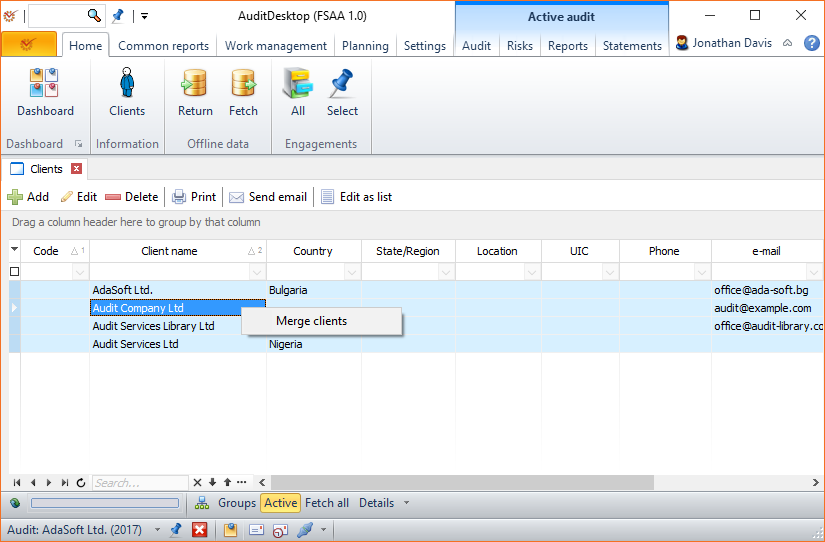
Mark two or more clients and right click on them.
-
Select the Merge clients option.
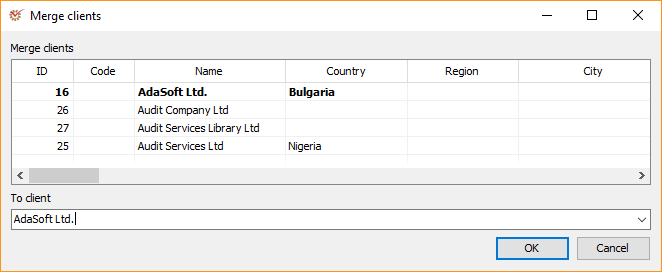
- In the To client field, select the nomenclature under which the
clients will be merged. Click OK.